Display CoDi QR
This tutorial shows how to create a CoDi QR using the API and display it as a scannable image.
You need an API key with a codi payment account. See Create an API key.
1. Create a CoDi QR
Send a POST request to the /codi/qr endpoint. For more information check the API Reference.
import requests
import json

url = "https://api.pey.mx/codi/qr"

payload = json.dumps({
  "amount": 150,
  "concept": "Order #9423",
  "expiration": 0,
  "numRef": "9423"
})

headers = {
  'Content-Type': 'application/json',
  'Accept': 'application/json',
  'Authorization': 'Bearer <your-api-key>'
}

response = requests.request("POST", url, headers=headers, data=payload)
The response will contain the qrString that you need to encode into a QR image:
{
    "id": "35f8361d2b",
    "qrString": "{\"TYP\":20,\"v\":{\"DEV\":\"29442719514356328159/0\"},\"ic\":{\"IDC\":\"35f8361d2b\",\"SER\":996909821,\"ENC\":\"p1+9ZlUiJWYlrCqtWbwHPiHjFKvgZmsdl7tGXzjxzN70SOyCr+efacdJeCyzfm0M+WW5TGq0wfKmhiYGjBo3Z6Ty95jNlnwL0mCKOzKUn8pYM2zCV6y3viWSHyX6oURLc6SGK1/A9+bS71ctkfxMHEKaZoUpndPbSJJ1meTCkSkoi+e67J83yjpuX33afYGdCboEvfUp5mxjFv9df1s+/IcnnPV5loGTnRZBoZJZg3Z3x2GSN8oYipDXA1oFYLdR00kmMLpPhpJo6zWrBrqvhIh1/NDw5bqYTrLca5nCI/A=\"},\"CRY\":\"r5pqoWD6NVO/UsuQKuGDZMwmsXfXBbzk2xP0dAJYV84=\"}"
}
If you used the generateImage parameter and want to view the base64 qrImage directly online, we recommend using base64.guru.
2. Generate the QR Image
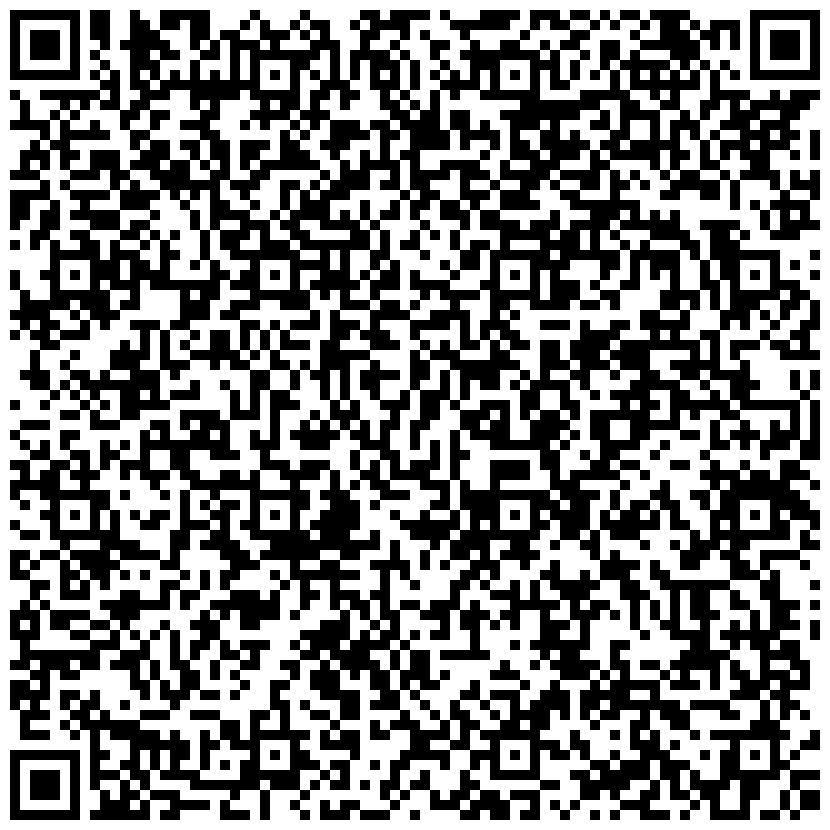
Use the qrString from the response to generate a scannable QR image. Install the qrcode library:
pip install qrcode
Then generate the image:
import qrcode

response_body = response.json()
qr_string = response_body['qrString']

qr = qrcode.QRCode(
    version=None,
    error_correction=qrcode.constants.ERROR_CORRECT_M,
    box_size=10,
    border=4,
)

qr.add_data(qr_string)
qr.make(fit=True)

img = qr.make_image(fill_color="black", back_color="white")
img.save("codi-qr.png")
The saved image can be scanned from any CoDi-compatible banking app to complete the payment.
3. Receive the Payment Notification
Once the QR is scanned and the payment is completed, you will receive a codi.qr.payment_received webhook event. For more information check the CoDi QR Payment Received webhook documentation.