Create an API Key
To get started you first need to generate an API key in the pey portal.
1. Create a Profile
Go to portal.mipey.mx and create a profile. If you already have a profile skip this step.
2. Add a Payment Account
Navigate to the "Finance" section of the website and create a payment account. There are two different types of payment accounts:
| Description | |
|---|---|
stripe | Add your bank information through our Stripe integration to receive cards, Apple Pay, and Google Pay. |
codi | This only works for Mexican bank accounts, you directly add your existing banking information to receive CoDi® payments. |
Registering a bank account takes 5 business days to complete the registration with Banxico.
While your bank account is being activated, you can register the following bank account. It activates immediately, so you can start testing in production the same day:
- CLABE:
012180015826225713 - Name: Ramón Orraca Lascurain
Payments sent to this account are not returned, so only test with small amounts such as $0.01 MXN
You can also register CoDi bank accounts programmatically with Register Bank Account and check their status with Get Bank Account. Pass the account id as bankAccountId when creating a CoDi QR or push notification to receive that payment in it.
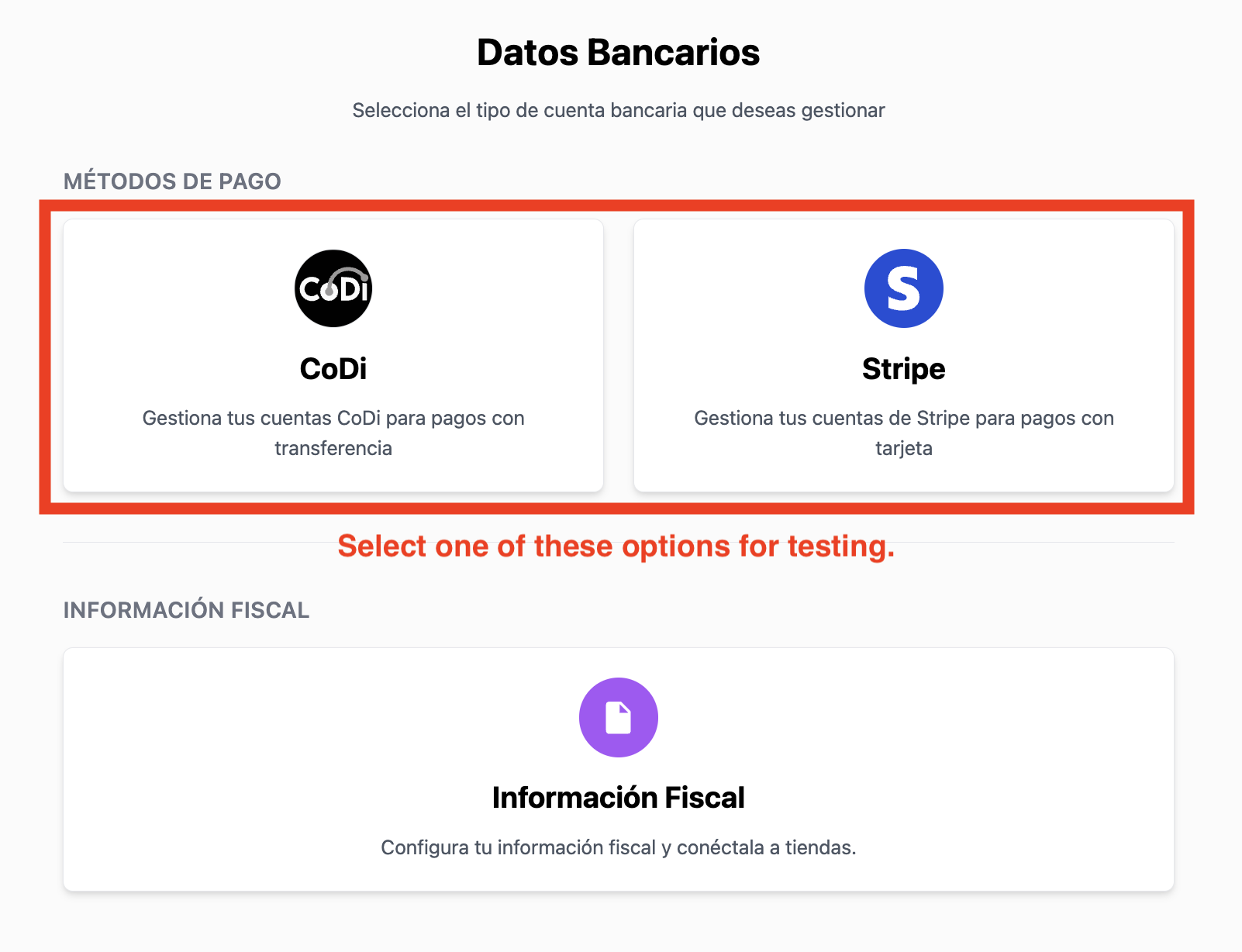
3. Create an API Key
After completing the setup of your payment account, navigate to the Developer section of the website. It can be found in the sidebar.
Click on the "Create API Key" button and give it a name. You will be asked to link one of the previously created payment accounts to your API key.
Each API key can be associated with one codi and one stripe payment account at a time. At least one of the two is required to create the API key.
Test in production
We recommend testing your integration directly in production. You get to test with real banks, receive real CoDi® notifications and webhooks, and see the exact flow your customers will go through.
- Use small amounts. Create payments for amounts such as $0.01 MXN so testing costs you almost nothing.
- Don't wait for your bank account. If your own account is still being activated, register the testing bank account above, which activates immediately.
A dedicated test environment is coming soon. Even then, testing in production remains the most reliable way to validate your integration end to end.